Creating pull requests
Removing unwanted commits / changes
Sometimes we create branches and pull requests that includes too many commits. We are working fast so it's possible to switch branch and forget some history that comes from another ongoing work or branch.
In order to only include the commits relevant to your PR you can use the git cherry-pick [commit-sha] command.
Example
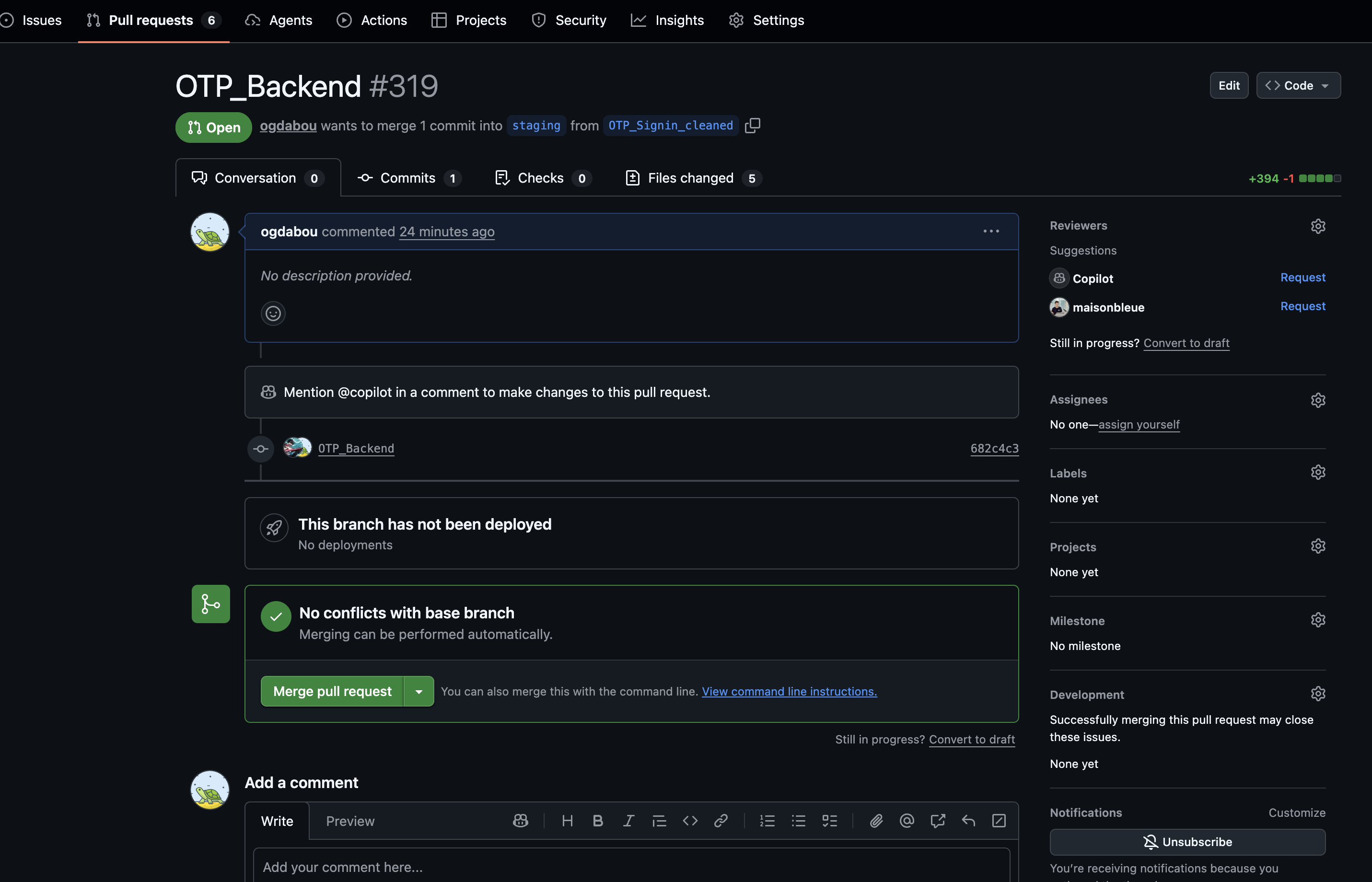
Issue: PR contains 2 commits, only 1 is relevant for the built feature. We want to keep the second commit
00812360d9afa433138fc02b2a292b350dd48f4c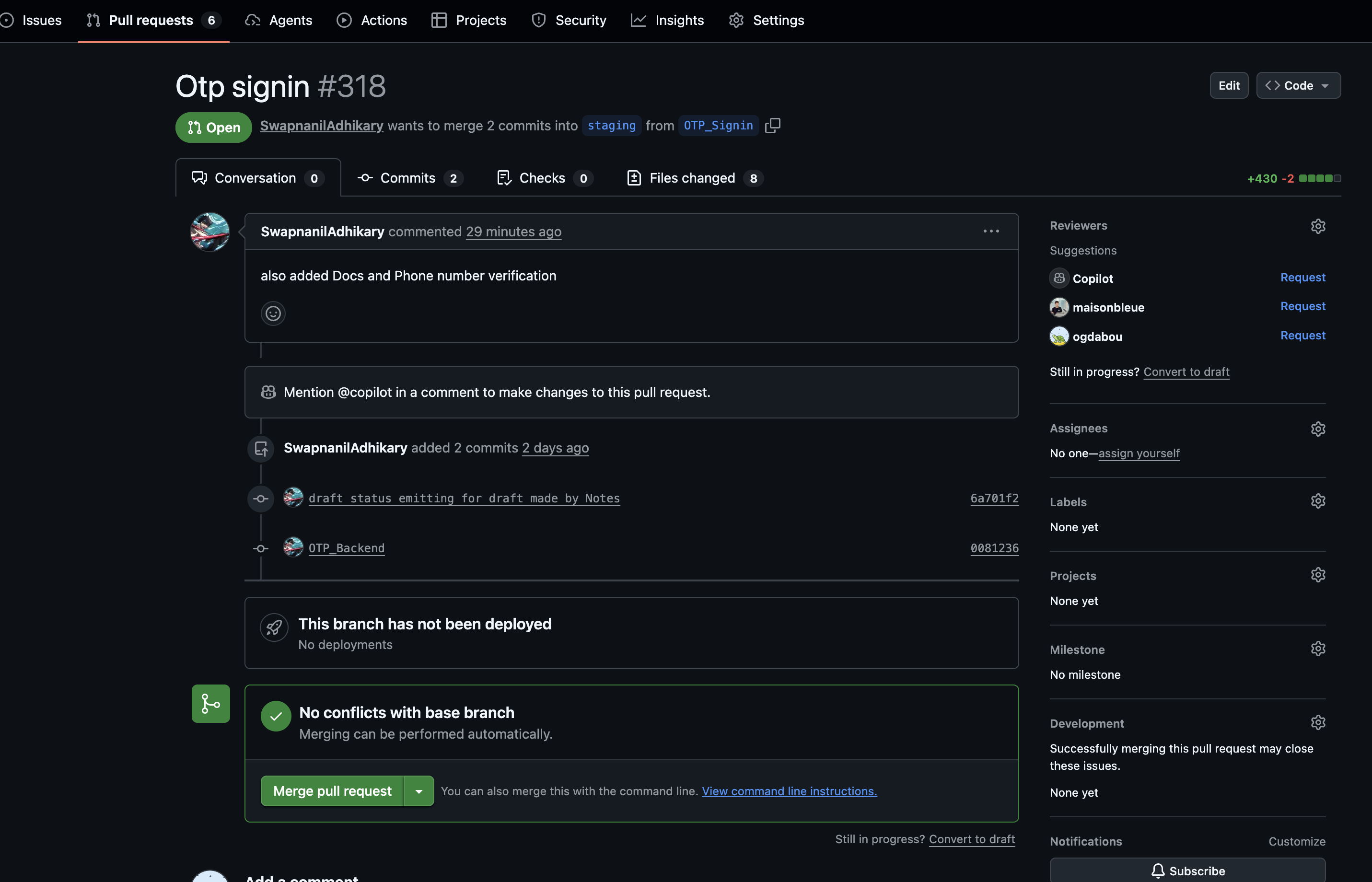
Solution: New branch with cherry-pick. Another solution would be to
git push -fif the origin PR branch is yoursbashgit fetch origin git checkout staging && git reset --hard origin/staging git checkout -b {my-branch-cleaned} # for each commit you want to keep git cherry-pick {commit sha} # check history is what you want git push origin {my-branch-cleaned} # then close old PR and open new oneAlternatively, if you feel confident, you can override your existing Pull Request
bashgit checkout -b {my-branch} git fetch origin git reset --hard origin/staging # for each commit you want to keep git cherry-pick {commit sha} # check history is what you want git push -f origin {my-branch}
Result